
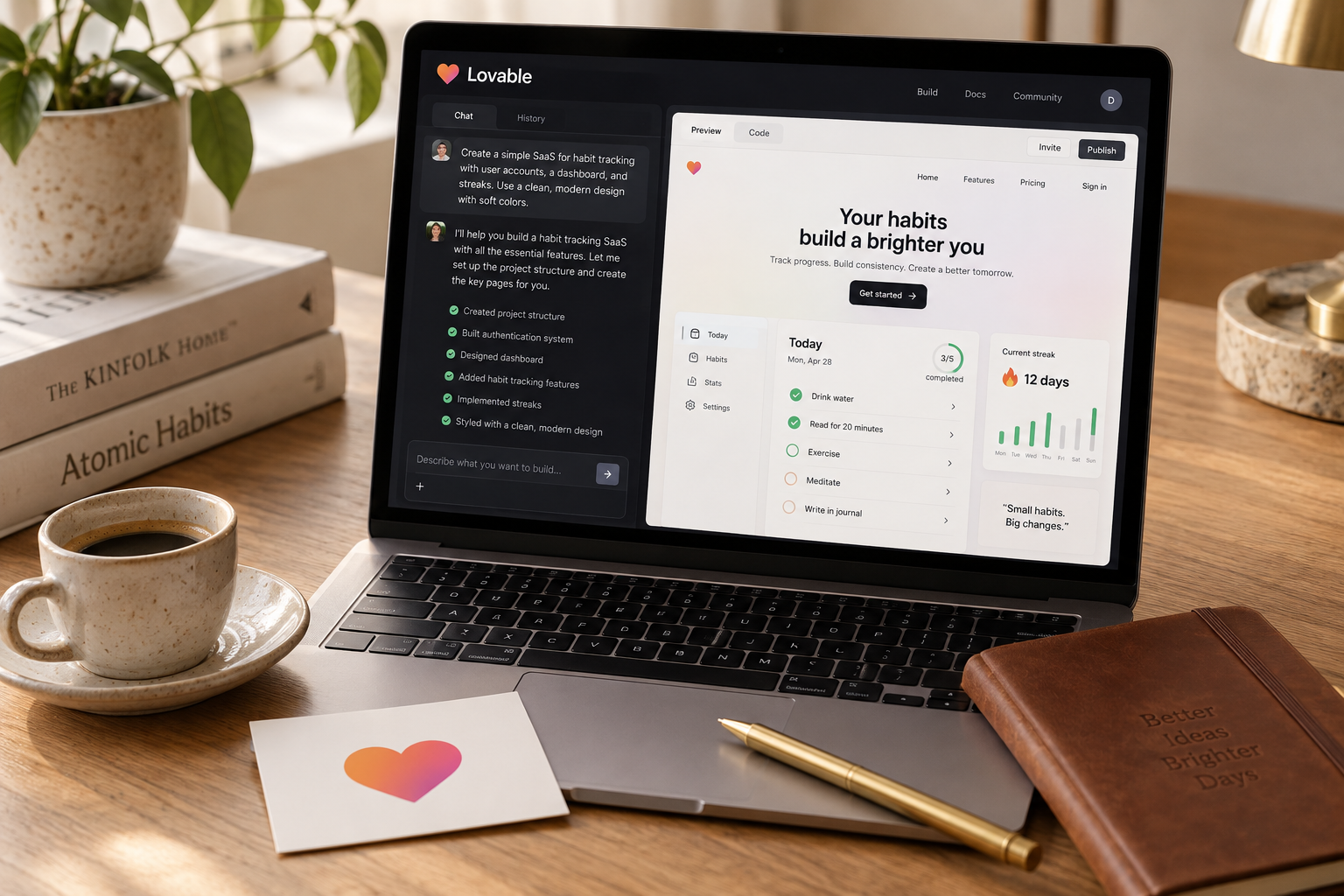
Start with Lovable for a conventional customer-facing SaaS, Bolt for a browser-based JavaScript workflow with more hands-on code iteration, or Replit when backend behavior drives the product. Treat that as a shortlist, not a benchmark: run the same permission, persistence, and deployment tests before paying for a longer commitment.
For a first SaaS, choose Lovable when you want a focused path to a customer-facing web app, Bolt when you want browser-based building with closer code involvement, and Replit when backend logic is the center of the product. None is an automatic production-ready shortcut. This comparison gives you a project-based shortlist, a realistic budget framework, and a four-hour test to run before committing.
Decision guide dated October 26, 2026. Product limits and plan prices are not live-verified here; the dollar figures below are planning assumptions, not vendor quotes. Recommendations are workflow judgments, not results from a claimed head-to-head benchmark.
Which builder should you choose?
My default for a nontechnical founder building a conventional SaaS is Lovable. Think accounts, forms, dashboards, customer records, and a narrow paid workflow. Its appeal is the focused app-building experience, not freedom from engineering responsibilities.
That recommendation changes when the difficult part of your product changes.
| Your first paid product | Start your evaluation with | Why | What to prove before committing | |---|---|---|---| | Client portal with accounts and document status | Lovable | A focused visual web-app workflow fits the product | Customers cannot access each other's records | | Interactive quoting app with custom JavaScript behavior | Bolt | Browser-based code iteration suits frequent implementation changes | Calculations and saved state survive deployment | | Service that receives webhooks and processes data | Replit | A general development workspace fits backend-heavy work | Retries, secrets, logs, and deployment behavior work correctly | | Dashboard that reads from an existing API | Lovable or Bolt | Either can fit a UI-led product | Credentials stay server-side and errors are handled | | SaaS built around Python processing | Replit | Language and runtime flexibility matter more than screen generation | Required libraries and production runtime are supported |
These are starting points, not platform boundaries. Bolt can build full-stack apps. Replit can build polished interfaces. Lovable apps can include backend behavior through their supported services and integrations.
The useful question is not, "Can this tool build my app?" With enough intervention, several tools probably can. Ask, "Where will I need the least help when this app breaks?"
A founder who can inspect JavaScript has different options from someone who cannot recognize an exposed secret. Likewise, a visually simple app can be operationally difficult if it processes payments or synchronizes external systems.
Write down your hardest requirement before opening a builder. If it is a customer dashboard, start with the visual workflow. If it is reliable processing after the browser closes, start with the runtime and deployment requirements.
Do not evaluate all three indefinitely. Pick two based on that requirement, then make them complete the same small task.
Compare the workflows, not the demos
A generated homepage tells you almost nothing about the cost of maintaining a SaaS. The differences become useful when you change requirements, investigate failures, and hand the code to someone else.
Lovable: a focused starting point for app-shaped products
Lovable is a sensible first stop when your product is mostly a web interface connected to accounts and stored data. That covers plenty of viable businesses: approval portals, customer trackers, reporting interfaces, and specialized calculators with saved results.
Its focused workflow can reduce the number of implementation decisions a beginner encounters immediately. That is helpful, but it can also hide questions you still need to answer.
Where does authorization happen? Which service stores customer files? Can you recover a deleted record? A successful preview does not answer any of those.
Use Lovable when you want to spend early effort refining the customer workflow. Get technical review when the app starts handling sensitive data, complex permissions, or paid entitlements.
Bolt: useful when you want to stay close to JavaScript
Bolt's browser-based development approach makes it a strong candidate for founders who want AI generation without treating the generated project as an untouchable artifact.
It is especially worth evaluating when custom components, package choices, or existing JavaScript code matter. A founder with some frontend experience, or a contractor available for targeted fixes, may prefer that relationship with the code.
Do not mistake this for a claim that Bolt is only a frontend tool. The real distinction is how comfortable you are checking what the agent changed across the stack.
If your shortlist is already down to these two, the narrower Lovable vs Bolt comparison can help frame the workflow decision. For this three-way choice, keep the emphasis on your actual acceptance tests.
Replit: evaluate it first when the backend is the product
Replit is the more natural candidate when the job resembles general software development rather than assembling a conventional web interface. Examples include API services, data processing, and applications whose value depends on custom server-side behavior.
That flexibility does not mean every generated process will run correctly in production. A development process staying alive in a workspace is not proof that a deployed background task will survive restarts.
Before choosing it, confirm the deployment type, runtime requirements, persistent storage, scheduling, and expected compute costs for your workload. Test those requirements directly.
Every builder has the same production boundary
The AI can generate a permission check. You still need evidence that it runs in the right place.
A hidden button is not authorization. A successful payment redirect is not proof of payment. A green preview is not a deployment test.
For all three builders, insist on server-enforced access controls, protected secrets, observable errors, and a recovery path. If you cannot evaluate those yourself, budget for someone who can. Choosing a more approachable interface does not remove that bill.
Budget for the first month
Comparing subscription prices alone is a weak buying method. Your first-month cost has at least four parts: builder access, iteration usage, running services, and human repair time.
The following is a deliberately modest planning scenario for a low-traffic pilot. It excludes your own labor and is not a current pricing table for any vendor.
| Budget item | Planning allowance | What can push it higher | |---|---:|---| | Builder subscription and iteration usage | $30-$100 | Repeated broad rewrites or additional usage purchases | | Hosting, database, and storage | $0-$50 | Always-on compute, larger files, or separate environments | | Email and external APIs | $0-$30 | Paid AI calls, enrichment services, or message volume | | Domain registration | $10-$25 per year | Premium names or renewal pricing | | Independent technical review | $150-$600 | More complex permissions, integrations, or billing | | First-month cash allowance | $190-$805 | Higher traffic or substantial repair work |
The review allowance assumes roughly 2-4 hours at $75-$150 per hour. It is a budgeting example, not a market-wide rate claim. That review is a narrow risk check, not a security certification.
Some services may be bundled into a builder plan. Others may appear as separate bills. Avoid counting bundled services twice, and confirm what happens when an included allowance runs out.
For Lovable specifically, check the pricing and credit guide alongside the vendor's checkout page before buying. Apply the same discipline to Bolt and Replit: inspect usage rules, deployment charges, and overage controls, not just the headline subscription.
Your time matters more than a small plan difference. If one workflow saves four hours and you value your time at $50 per hour, that is $200 of capacity. Saving $10 on software is irrelevant if you spend another evening repairing authentication.
For a narrow pilot, reserve 12-24 focused hours for initial building and testing, then another 4-8 hours for review and repairs. These are scheduling allowances, not promised build times. Billing, compliance, unfamiliar APIs, or complex permissions can expand the schedule substantially.
Run a four-hour SaaS bake-off
Use a small client-request portal as the test project. It has enough real SaaS behavior to expose weaknesses without becoming a month-long experiment.
A customer signs in, creates a request, and checks its status. An administrator sees every request and updates status. Customers see only their own data.
Do not add payments yet. First prove that identity, persistence, and permissions work.
1. Freeze the scope: 20 minutes
Choose your two finalists. Give both the same requirements and use synthetic data only.
Create separate test identities for Customer A, Customer B, and an administrator. Use a test setup that supports multiple simultaneous sessions, such as different browser profiles.
Write the expected result of each action before generating anything. Otherwise, a tool's attractive output will quietly rewrite your definition of success.
2. Generate the first version: 45 minutes per builder
Use this copy-paste prompt:
```text Build a small client-request portal as a deployable web app.
Users:
- Customers can sign in and create requests.
- Customers can read only requests they own.
- An administrator can read all requests and update status.
- Public signup must never grant administrator permissions.
Data:
- Request: id, owner_id, title, description, status, created_at.
- Allowed statuses: new, in_progress, complete.
Requirements:
- Enforce ownership and roles in the backend or database.
- Do not rely on hidden UI elements for authorization.
- Keep secrets out of browser code and version control.
- Use real persistence, not mock data or browser-only storage.
- Include loading, empty, validation, and error states.
- Document a safe administrator provisioning process.
- Explain the deployment setup and required environment variables.
- Add tests for ownership and administrator access where possible.
Before coding, list your proposed stack, external services, and any requirement you cannot implement in this environment. Do not replace missing functionality with simulated success. After coding, list what was tested and what remains unverified. ```
Keep the initial request bounded. More copy-paste prompting patterns can help with follow-up changes, but do not change the core brief halfway through the comparison.
3. Attempt to break both versions: 60 minutes total
Spend 30 minutes on each deployed app, not only its development preview.
- [ ] Customer A creates a request and can still see it after signing out and back in.
- [ ] Customer B cannot read Customer A's request through the UI or a direct backend request.
- [ ] A customer cannot update a role or status through a direct request.
- [ ] An unauthenticated session cannot retrieve private records.
- [ ] The administrator can update status without changing ownership.
- [ ] Failed saves produce an honest error, not a success message.
- [ ] No privileged credentials appear in delivered browser code.
- [ ] Deployment logs make at least one deliberate failure diagnosable.
If you cannot perform the backend checks, mark them unverified and hand them to a reviewer. Do not turn uncertainty into a pass.
4. Make one change: 50 minutes total
Give each builder 25 minutes to add a priority field with three values and an administrator-only filter. Ask it to preserve existing data and permissions.
This is the important part. Initial generation tests whether the tool can start. A change tests whether it can continue without breaking what already works.
Repeat the ownership checks afterward. Record repair time, visible usage charges, and any manual intervention.
5. Decide: 20 minutes
That totals four hours across two builders: 20 + 90 + 60 + 50 + 20 minutes.
Reject any version with a known unresolved authorization failure. For the remaining options, compare completed tests, debugging clarity, change reliability, and total effort. An unfinished test is useful evidence too.
Choose the builder that leaves you with the most understandable working system. Screenshots are not the deliverable. A trustworthy customer workflow is.
FAQ
Is Lovable easier than Bolt and Replit?
For a nontechnical founder building a conventional web SaaS, Lovable is a reasonable first choice because of its focused app-building workflow. Bolt may feel easier if you already understand JavaScript, while Replit may fit better when server-side programming drives the product. Ease should include fixing failures, not just generating screens.
Which builder is cheapest for a live SaaS?
There is no defensible universal winner without current plan details and a defined workload. Compare builder usage, deployment, database, external services, and repair time together. Put a spending cap on your pilot where supported, and measure costs during representative usage rather than assuming a free prototype will stay free.
Can you move your app to another builder?
Often you can move source code, but moving the whole application is a separate job. Check the current export or repository-sync options, framework compatibility, database export, authentication dependencies, files, and secrets. Before committing, ask a developer to run the project outside its original preview environment and identify what still depends on the original platform.
The Briefing
The best of Lovable, once a week.
Deep reviews, founder case studies, and growth tactics. No filler.
No spam. One-click unsubscribe.
Build something with us
Start Building with Lovable
Open Lovable, write your first prompt, and ship the thing you have been thinking about for too long.
Start Building with Lovable