
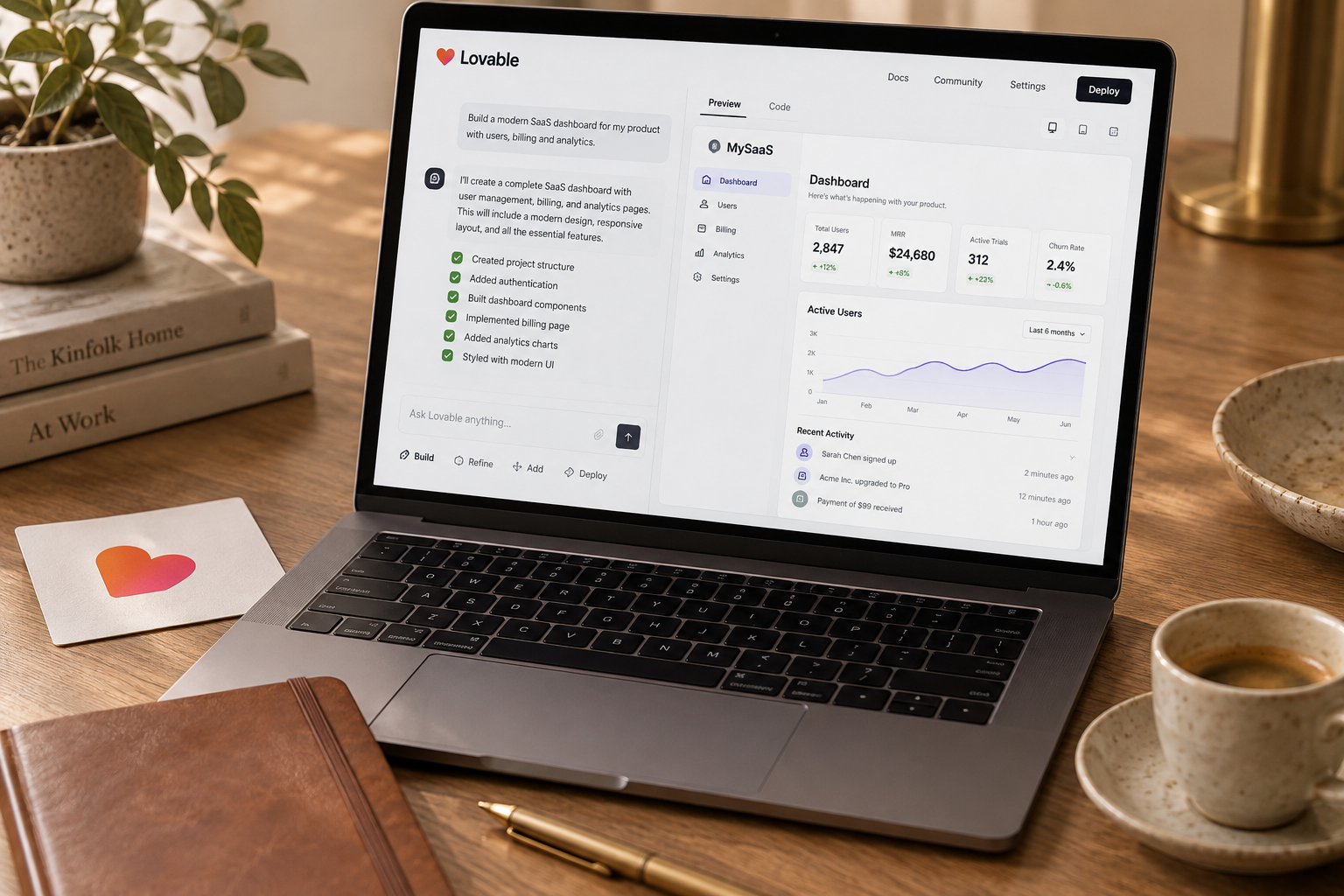
Moving from Lovable to Cursor should usually mean changing where you edit code, not replacing your database, authentication, and hosting at once. Establish a working baseline, isolate development from production, and release one reversible change before taking over the rest of the workflow.
To move a Lovable app to Cursor safely, open its source repository in Cursor, reproduce the existing build, and ship one small change without moving the backend. Keep authentication, billing, and customer data where they already work. This playbook covers the handoff, an 8-14-hour planning budget, a copy-paste audit prompt, and the release checks that prevent expensive surprises.
What actually changes when you move
A live SaaS does not need a dramatic rewrite because you want a different editor. The useful transition is narrower: Lovable helped you produce the first version; Cursor becomes the place where you inspect, edit, test, and maintain its code.
That is a development-workflow migration. A hosting migration is separate. So is a database migration.
Treating all three as one job makes failures harder to diagnose. If login breaks after you change the frontend, authentication provider, and domain, you have three plausible causes instead of one.
Keep the working parts
| Layer | First-handoff recommendation | Reason | |---|---|---| | Source code | Work from the connected or exported repository | Preserve history and establish an editable baseline | | Editor | Open the project in Cursor | Change the development interface | | Database | Keep the current service | Avoid unnecessary customer-data movement | | Authentication | Keep the provider and existing production URLs | Reduce login and session risk | | Billing | Keep the payment account and live webhook endpoints | Preserve subscriptions and entitlement behavior | | Hosting | Keep it if it supports your release workflow | Avoid combining code changes with infrastructure changes |
Source access does not guarantee infrastructure portability. A repository may contain frontend code and function definitions without containing deployed secrets, database records, or every service setting.
As of October 2026, the safe rule is still to inspect your actual project and plan entitlements rather than assume a tutorial's setup matches yours.
Move for a specific reason
Good reasons include needing better code navigation, repeatable tests, controlled refactoring, or a contractor-friendly review process.
"Real founders use code editors" is not a reason. Neither is frustration with one bad generation.
If Lovable still handles your changes reliably, stay there. Move when the current workflow blocks a concrete engineering task, not when a new subscription looks like progress.
Audit the app and create a rollback point
Budget 1-2 hours for this stage on a small, reasonably documented app. If you cannot identify where authentication or billing runs, stop the migration clock and investigate.
1. Map the runtime, not just the files
Create `docs/runtime-map.md` and record:
- Where the frontend is deployed and how releases happen.
- Which database it uses and who owns the account.
- Which service handles authentication.
- Where server functions execute.
- Where payment webhooks and scheduled jobs run.
- Which email, storage, and AI services the app calls.
- Where environment variables are configured.
Record variable names and locations, not secret values. Do not paste credentials into an AI conversation.
Separate browser-safe configuration from server-only credentials. A public client identifier can be appropriate in frontend code; a database administrator credential or payment secret is not. A variable's name alone does not prove it is safe.
2. Write down the behavior you must preserve
Use two synthetic accounts with separate organizations or workspaces. Your minimum test path is:
- Create an account and sign in.
- Create the app's primary record.
- Reload and confirm the record persists.
- Confirm the second account cannot access it.
- Exercise the subscription flow in a test environment.
- Sign out and verify protected pages are inaccessible.
Add the workflow customers actually pay for. For a reporting SaaS, that might mean importing a fixture file and generating a report. A perfect login screen does not prove the product works.
Record failures before editing anything. Otherwise, you may spend hours blaming Cursor for an existing bug.
3. Preserve code and operational recovery options
Once the repository is clean and the baseline is verified, mark it:
```bash git status git tag pre-cursor-handoff git push origin pre-cursor-handoff ```
Check for accidentally committed secrets before pushing. If you discover one, rotate it; deleting the file does not erase repository history.
The tag preserves code, not customer data. Separately confirm your database backup options, restore procedure, and last successful backup. A backup you cannot restore is a comforting filename.
Record the current production deployment identifier and how to restore or redeploy it. If your host cannot provide a straightforward rollback, establish a known-good redeployment procedure before making the first change.
Do not change the database schema during this handoff. That keeps code rollback much simpler.
Move development to Cursor in five steps
The objective is a reproducible project and a tiny reviewed patch. It is not a cleaner architecture by Sunday night.
Step 1: Open the repository and establish ownership
Use the existing GitHub connection or supported export path to obtain the source, then clone it locally and open the folder in Cursor.
Inspect `README`, `package.json`, lockfiles, and deployment configuration before running commands. Do not assume every Lovable project has identical scripts or infrastructure.
Create a working branch:
```bash git switch -c cursor-handoff ```
Choose one primary editing workflow during the transition. Do not have Lovable and Cursor making overlapping changes to the same branch.
Verify how your project's Lovable-GitHub connection handles branches and incoming changes before relying on round-trip editing. Repository access alone is not proof that every local change will appear correctly in the builder.
Step 2: Reproduce the existing build
Use the runtime version and package manager specified by the project. Avoid upgrading dependencies during the handoff.
For an npm project with a committed `package-lock.json`, the starting point is:
```bash npm ci npm run ```
The second command lists available scripts. Run the documented development, build, lint, and test commands that actually exist. Do not invent a passing test result because there is no test script.
If the untouched project does not build, capture the exact error and resolve the baseline problem separately. A package-manager mismatch is not a reason to regenerate the app.
Step 3: Isolate development from production
Use a separate backend environment when available. Otherwise, restrict development to synthetic data and tightly limited access. Do not run destructive experiments against customer records.
Configure the project's supported local environment file and confirm Git ignores it. Keep a committed example file with variable names and placeholders only.
Authentication needs particular care. Add the necessary local or preview redirect URLs in the provider's settings, but leave working production URLs intact. Test password reset and magic-link flows if the app uses them.
For billing, use test credentials and a dedicated test webhook destination. Do not redirect the live subscription webhook to your laptop.
Some hosted functions may not run locally. Document which calls still reach remote services, which environment they reach, and whether those calls create costs or persistent changes.
Step 4: Ask Cursor for an audit before an edit
Use this prompt once the repository is open:
```text Act as the maintainer taking over this existing SaaS repository. Start in read-only mode. Do not edit files or run deployment, installation, migration, or destructive commands.
Inspect the code and report:
- Framework, runtime, package manager, and available scripts.
- Frontend entry points and protected routes.
- Database, authentication, billing, and server-function boundaries.
- Environment variable names and where they are referenced.
Never print secret values or read local secret files.
- Existing tests and missing checks for the core user journey.
- Code or configuration that appears tied to hosted services.
Distinguish verified findings from assumptions. Cite file paths. Do not claim a check passed unless it was actually executed.
Propose one small, reversible improvement with no schema changes, no dependency upgrades, and no authentication or billing changes. List acceptance criteria and a rollback plan. Wait for approval. ```
The useful output is a map you can verify, not an impressive essay. Open the cited files and check the important claims. For more scoped task patterns, use the prompt library.
Step 5: Ship a deliberately boring patch
Pick a change such as improving an empty state, clarifying a validation message, or fixing a layout issue.
Ask Cursor to modify only the necessary files. Review the diff for dependency changes, deleted authorization checks, unexpected configuration edits, and unrelated cleanup.
Run the baseline checks again. If a small interface fix touches 40 files, stop and ask why.
Budget 2-3 hours for local setup and 3-5 hours for inspection, the first patch, and verification. Missing documentation can push either stage beyond that estimate.
Release safely and decide what to keep
Allow another 2-4 hours for preview testing, deployment, and post-release checks. That brings the total planning range to 8-14 hours, excluding backend migration, major bug repair, or learning the framework from scratch.
Set a transition budget
These are planning allowances, not October 2026 vendor price quotes. Your existing subscriptions and production bills are additional.
| Transition expense | Suggested allowance | What can increase it | |---|---:|---| | Temporary preview or test infrastructure | $0-$30 | A separate database or paid preview environment | | Additional AI usage | $0-$40 | Repeated large-context audits and broad rewrites | | Test email, storage, and API calls | $0-$10 | Real external calls instead of fixtures | | Contingency | $20 | Unexpected testing or deployment needs | | Total incremental reserve | $20-$100 | Not a guaranteed cap |
Check both tools' current billing terms before buying overlapping plans. The Lovable pricing guide can help identify which usage and hosting questions to investigate.
Developer time is the larger cost. Ten hours spent reconstructing infrastructure may cost more than another month of an otherwise useful builder.
Use this release checklist
- [ ] The untouched baseline built successfully.
- [ ] The patch is on a dedicated branch and has been reviewed.
- [ ] No secrets are present in the diff or tracked local configuration.
- [ ] Production authentication URLs remain unchanged.
- [ ] Cross-account data access has been tested and denied.
- [ ] Billing checks used a separate test setup.
- [ ] Preview behavior matches the core customer journey.
- [ ] There are no database migrations or unrelated dependency updates.
- [ ] The previous production version can be restored or redeployed.
- [ ] The production deployment contains the intended commit.
Deploy during a period when you can watch the app. Immediately repeat sign-in, record creation, persistence, and the paid workflow with a controlled account. Check application logs and error reporting for new failures.
If access control breaks or customer data becomes exposed, stop the release and contain the issue. If a normal regression appears, revert through the tested deployment procedure. Do not let an agent improvise a production repair across several services.
Keep tools based on responsibilities
After the handoff, Cursor can own implementation and review while existing services continue to run the app. Keep Lovable if its visual workflow still saves time and you have verified how edits synchronize.
Cancel redundant spending only after checking whether publishing, hosting, or other live services depend on that account or plan. Store operational instructions outside either editor's chat history.
For subsequent work, follow the same narrow-change approach used in our founder and engineering playbooks. Owning a codebase means being able to explain, test, and recover it. Merely opening it in a different editor is not enough.
Can Cursor edit an app built with Lovable?
Yes, if you can access the source files. Cursor can work on the repository, but it does not automatically reproduce hosted services, secrets, deployment settings, or customer data. Verify those dependencies separately.
Do you need to move your Lovable database?
Usually not for an editor handoff. Keep the existing database if it remains accessible and suitable. Moving customer data is a separate project requiring backups, migration checks, access-control testing, and its own recovery plan.
Can you cancel Lovable after moving to Cursor?
Possibly, but opening the repository in Cursor is not sufficient. First confirm that your production hosting, backend services, publishing workflow, and account entitlements will continue working without the subscription. Check current terms before canceling.
The Briefing
The best of Lovable, once a week.
Deep reviews, founder case studies, and growth tactics. No filler.
No spam. One-click unsubscribe.
Build something with us
Start Building with Lovable
Open Lovable, write your first prompt, and ship the thing you have been thinking about for too long.
Start Building with Lovable