
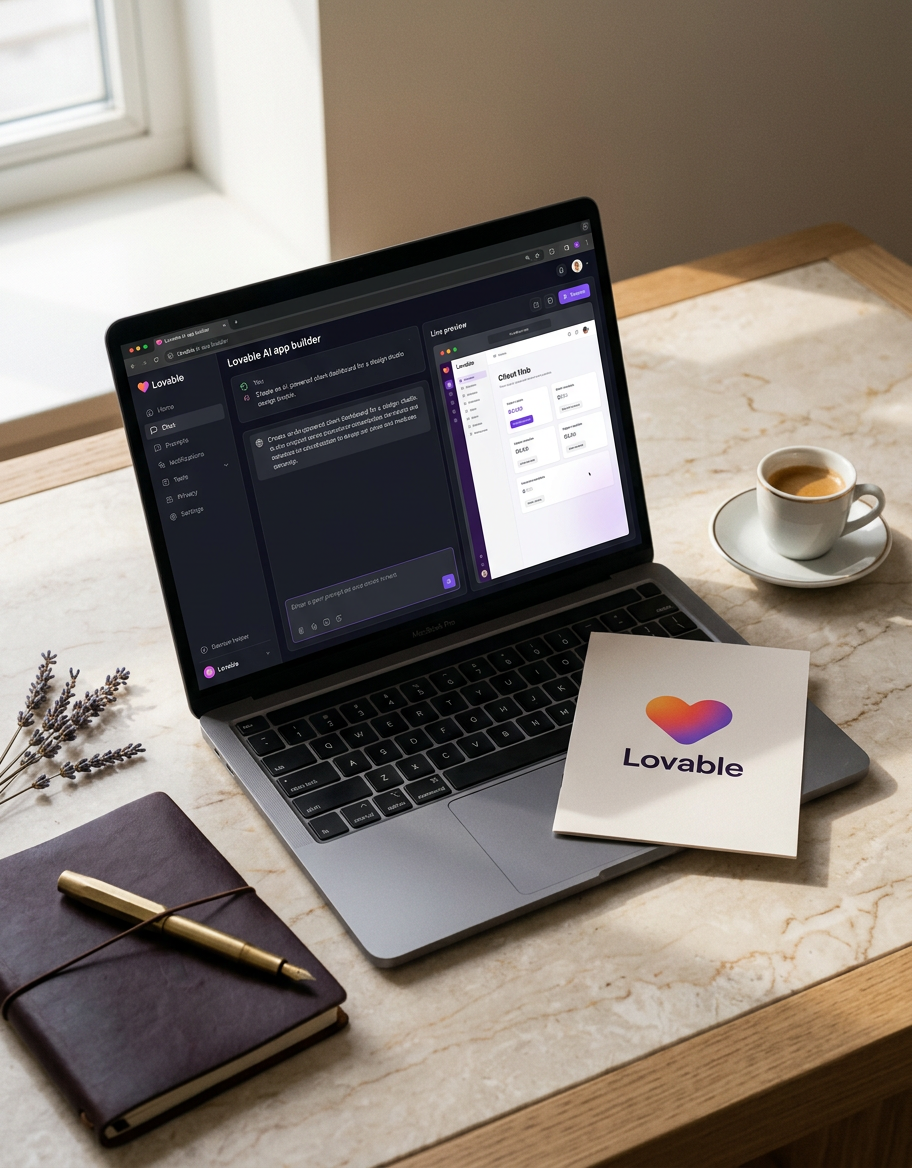
A modern client portal built with Lovable is an AI-powered application that unifies client data, workflows, and communication. Unlike static alternatives, it offers deep integration and automation, allowing you to create a dynamic, branded experience that serves as a competitive advantage.
Let's be honest. The term 'client portal' has a bad reputation. For years, it meant a clunky, password-protected page where invoices went to die and last quarter's reports gathered digital dust. It was a chore for you to update and a chore for your client to visit. A digital file cabinet at best, a source of friction at worst.
By 2026, this model is obsolete. The new standard for a client portal is not a passive repository but an active, AI-powered command center. It's the central nervous system for your client relationships. It's where data is visualized, actions are taken, and value is demonstrated continuously-not just in a quarterly review meeting. The thing is, most off-the-shelf tools can't deliver this. They are too rigid, too disconnected. This is where Lovable changes the game, allowing operators to build the exact portal their business-and their clients-deserve.
What Exactly is a Lovable Client Portal?
A Lovable client portal is a custom-built web application that centralizes all client interactions, data, and workflows, powered by an underlying AI logic layer. It's not just a prettier dashboard. It is an interactive, branded workspace shared between you and your client that is deeply integrated into your actual operational tools. Think of it less like a website and more like a product you provide to your clients.
This is fundamentally different from the portals you might build with WordPress plugins or basic front-end builders. Those tools are great at displaying information. A Lovable portal is designed for interaction. It reads data from your core systems-your CRM, your project manager, your billing software-and critically, it writes back. A client clicks 'Approve', and the task status updates in Asana. They ask the AI chatbot for their latest invoice, and it pulls the PDF from Stripe. It's a closed-loop system.
At its core, a well-architected Lovable portal consists of:
- Unified Data Views: Pulling real-time information from multiple sources into a single, cohesive interface.
- Granular Permissions: Showing each user exactly what they need to see, and nothing they don't.
- Interactive Components: Forms, charts, kanban boards, and approval buttons that trigger workflows.
- AI-Native Intelligence: An integrated AI agent for summarizing data, answering questions, and automating tasks.
The Core Blueprint: Five Essential Layers
The blueprint for a modern client portal consists of five integrated layers: Data, Logic, Presentation, Interaction, and Intelligence. Building with Lovable isn't a random process. It's about deliberately composing these five layers to create a system that runs itself, providing leverage and a superior client experience.
- The Data Layer (The Foundation): This is your single source of truth. A portal is useless if its data is stale or siloed. Lovable's strength is its flexible data connectors that let you plug directly into your operational tools via API. This could be Salesforce, HubSpot, Airtable, Notion, Postgres, or any other system that holds your core business data. You are not importing and exporting CSVs. You are creating a live connection.
- The Logic Layer (The Brain): This layer defines the rules of the road. It's where you configure your business logic, user roles, and automated workflows. For example: 'If a client's project status in Jira is updated to `NEEDS_REVIEW`, then display an 'Approve Mockup' button in that client's portal.' Or 'Only users with the `Billing` role can see the Invoices tab.' This is where Lovable starts to differentiate itself, allowing operators to codify their unique processes without writing custom backend code.
- The Presentation Layer (The Face): This is what your client actually sees and experiences. Using Lovable's UI builder, you construct the front-end interface. The goal is not to pick a template but to build a bespoke dashboard that reflects your brand and serves the client's specific needs. You can design custom charts, tables, and layouts that surface the most critical information in an intuitive way. A good presentation layer makes your firm look professional and organized.
- The Interaction Layer (The Hands): This is how the client takes action. This layer turns a passive dashboard into an active workspace. It includes forms for new requests, file uploaders for assets, comment threads for feedback, and buttons for approvals. Crucially, every interaction must trigger a workflow in your backend systems. When a client submits a support ticket through the portal's form, it should create a ticket in Zendesk or a card in Trello. This closes the loop and eliminates manual data entry.
- The Intelligence Layer (The 2026 Differentiator): This is the AI agent that supercharges the entire experience. In Lovable, this is a native capability. You can train an AI model on your specific data sources-help docs, project history, performance data-to act as a co-pilot for your client. It can answer questions ('What was our ROAS last month?'), generate summaries ('Give me a one-paragraph update on Project Phoenix'), and even take proactive steps ('I've noticed your invoices for Q2 are overdue. Would you like to pay them now?'). This is what elevates a portal from 'useful tool' to 'indispensable partner'.
Case Study: From SaaS Hell to Lovable Heaven
A mid-sized marketing agency, let's call them 'Agency X', replaced its expensive, rigid reporting software with a Lovable portal, cutting costs and dramatically improving client retention. They were stuck in what many operators experience: SaaS hell. Their stack was a Frankenstein's monster of disconnected tools.
- Before: They used DashThis for client reporting, pulling data from various ad platforms. Approvals for social media content happened over chaotic email chains. Project status was tracked in Asana, but clients had no visibility. Files were shared via Google Drive links that were constantly getting lost. It was disjointed, manual, and unprofessional.
- The Lovable Solution: They built a single, unified portal for each client. When a new client is signed in HubSpot, a new portal is automatically provisioned. This portal became the single destination for everything.
Performance Hub: Live dashboards with data pulled directly from Google Ads, Meta, and GA4 APIs. No more manual report building. Content Approvals: A dedicated module shows upcoming social posts from their content calendar in Notion. Clients can comment, request changes, or hit 'Approve'. This action updates the post's status in Notion via the API. Project Tracker: A simplified view of the client's projects, synced in real-time from Asana. Clients see exactly what's being worked on and what's up next. AI Assistant: An AI agent trained on the agency's knowledge base and the client's performance data. Clients can ask 'What are our top-performing ads this week?' and get an instant, accurate answer.
- The Results: The impact was immediate and measurable. The agency shifted from being a vendor to being a true partner, and the numbers proved it.
| Metric | Before (SaaS Stack) | After (Lovable Portal) | | ----------------------- | ------------------------------ | --------------------------------------- | | Time on Client Reporting| ~10 hours/client/month | ~1 hour/client/month (review only) | | Content Approval Cycle | 3-5 business days | < 24 hours | | Annual SaaS Cost | $22,000 (DashThis, etc.) | $6,000 (Lovable + API fees) | | Client Satisfaction | 7/10 | 9.5/10 |
Lovable's Edge vs. The Alternatives
Lovable's main advantage over alternatives in 2026 is its unique combination of a powerful UI builder, deep data integration, and native AI logic, offering unparalleled flexibility. Look, you have other options, but they all come with significant trade-offs.
| Capability | Lovable | Softr / Stacker | Custom Code (React + Backend) | | --------------------- | ------------------------------------- | ------------------------------------- | -------------------------------------- | | Flexibility | High | Medium (Limited by data source) | Very High | | Speed to MVP | High | Very High | Very Low | | AI Native? | Yes, a core feature | No, requires third-party integration | DIY, requires significant expertise | | Maintenance | Low | Very Low | High | | Scalability | High | Medium | Very High | | Typical Cost | Mid | Low | High |
Builders like Softr or Stacker are fantastic for getting a simple front-end on top of an Airtable or Google Sheet-fast. But they hit a ceiling quickly. Their logic capabilities are basic, and integrating true AI is clunky. They are great for internal tools or simple v1 portals, but they can't support the kind of sophisticated, multi-system workflow a modern portal demands.
On the other end of the spectrum is custom development. You get infinite flexibility, but at a huge cost in time, money, and maintenance overhead. You'll need front-end, back-end, and DevOps resources. Lovable occupies the powerful middle ground. It provides the flexibility to build almost anything you can imagine, without the overhead of managing servers and a full engineering team. It's the ultimate leverage for an operator.
FAQ: How technical do I need to be?
You need to be 'systems-literate', but not necessarily a coder. The most important skill is understanding how data flows between systems. If you are comfortable thinking about APIs, data models, and 'if-this-then-that' logic, you will thrive with Lovable. Knowing how to read API documentation is more valuable than knowing how to write JavaScript. While you can add custom code for advanced features, the vast majority of a powerful portal can be built visually.
FAQ: What are the hidden costs of a Lovable portal?
The primary hidden costs are the time for initial setup and ongoing iteration, plus the subscription fees for any paid APIs you integrate. Lovable's subscription is the main direct cost, but you also need to account for your team's time. Building your v1 might take 40-80 hours. The real power, however, comes from continuously improving it based on client feedback. Also, if you're pulling data from paid tools like SEMrush or certain CRM tiers, their API access might incur additional fees. The ROI calculation should factor in saved SaaS licenses, reduced manual labor, and increased client retention.
FAQ: Can Lovable handle enterprise-grade security?
Yes, Lovable provides enterprise-grade security features like granular user roles, SSO, and audit logs, making it suitable for sensitive client data. Security is not an afterthought. You can define precise permissions, ensuring a user from Client A can never see data from Client B. You can enforce single sign-on (SSO) through providers like Okta or Google Workspace. For highly regulated industries, Lovable offers the compliance and security posture needed to pass vendor reviews. This is a critical distinction from simpler tools that may have a more permissive, all-or-nothing approach to data access.
The Briefing
The best of Lovable, once a week.
Deep reviews, founder case studies, and growth tactics. No filler.
No spam. One-click unsubscribe.
Build something with us
Start Building with Lovable
Open Lovable, write your first prompt, and ship the thing you have been thinking about for too long.
Start Building with Lovable