
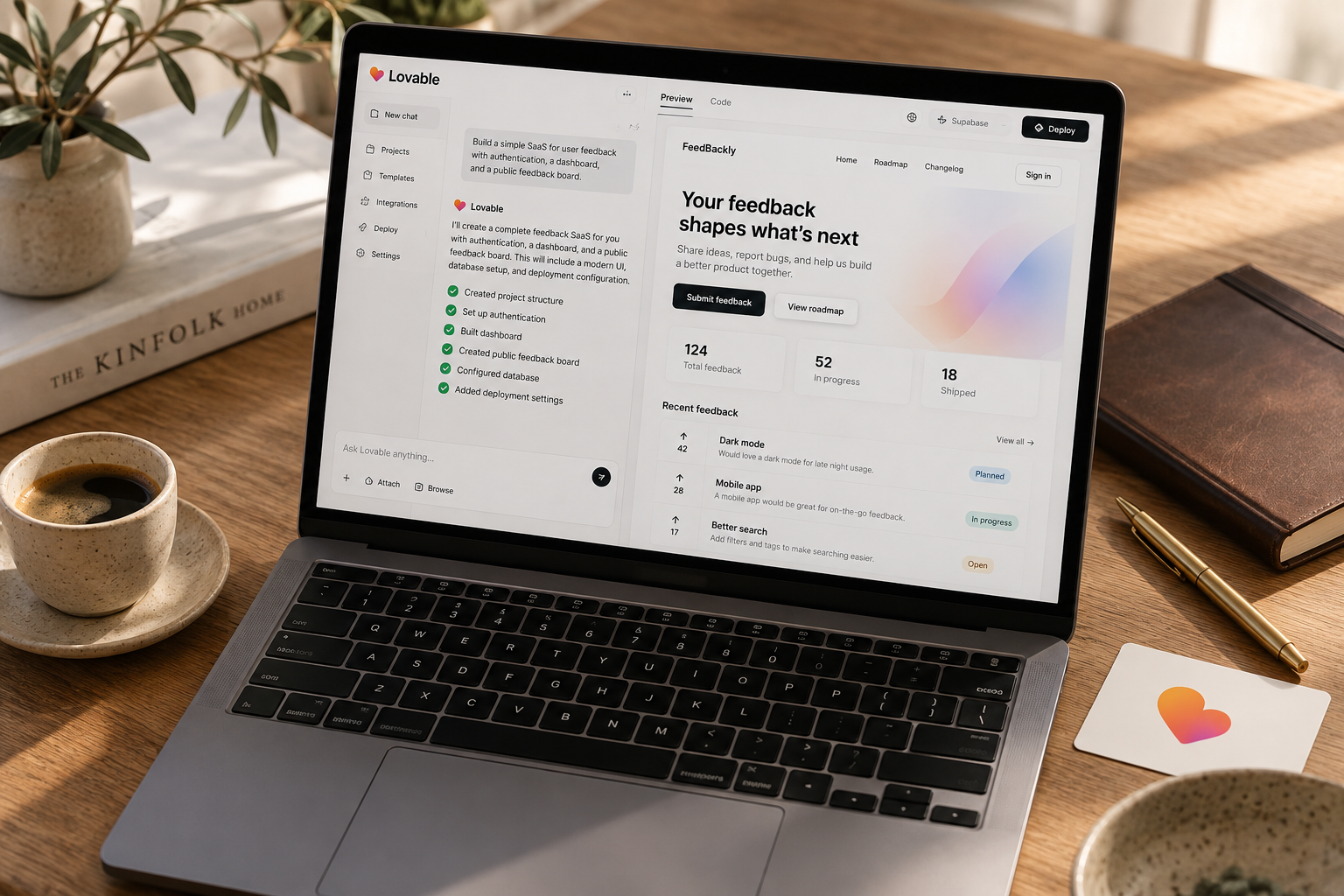
Build an honest concept page in Lovable, show an indicative price, and measure whether qualified visitors request access. Cap the experiment at 48 hours and $75 in incremental spending, then use signup quality and buyer conversations to decide whether another test is justified.
A SaaS smoke test with Lovable means publishing a narrow offer, showing a price, and measuring whether the right visitors request access before you build the product. You can launch the experiment within 48 hours, but you cannot guarantee enough traffic to reach a verdict. This playbook gives you the page structure, a copy-paste build prompt, a $75 incremental spending cap, and rules for deciding what happens next.
What a SaaS smoke test actually proves
A smoke test measures response to an offer. It does not prove that customers will pay, keep paying, or get the promised result.
That distinction saves solo founders weeks. A page can attract signups because the promise sounds appealing while the underlying workflow is too infrequent to support a subscription.
The useful question is narrower: Will a specific buyer take a meaningful next step after seeing a specific outcome and price?
For this example, imagine a tool for small bookkeeping firms that turns a missing-document spreadsheet into client-specific reminder drafts. The proposed price is $29 per month. Those are experiment inputs, not a recommendation or a reported business result.
The test page shows a clearly labeled sample, explains the workflow, and offers a button: "Request early access at the proposed $29/month price."
Immediately beside it, say: "Concept preview. Not available yet. No payment required."
That is an honest smoke test. A fake checkout that announces the product does not exist only after someone enters card details is not necessary.
Test the offer, not your ability to generate screens
Lovable makes the page-building part accessible. It does not supply distribution or turn polite interest into demand.
Skip the dashboard, login, billing integration, and AI backend. They answer implementation questions before you have answered the buying question.
Your test needs only:
- One recognizable buyer.
- One recurring problem.
- One concrete output.
- One visible indicative price.
- One measurable next step.
If the idea still reads like "an AI productivity platform for businesses," narrow it first. Use the app ideas section to find a workflow, then select the buyer and trigger that make it specific.
Set the hypothesis, budget, and stop rules
Write your decision rule before opening Lovable. Otherwise, every signup becomes a reason to keep building.
For our bookkeeping example, the hypothesis is: "Small bookkeeping firms that chase missing client documents will request early access to a reminder-drafting tool after seeing a proposed $29 monthly price."
The price belongs in the hypothesis. Hiding it attracts interest in an unspecified offer.
Use a bounded experiment
Allow roughly 11 hours of active work across a 48-hour elapsed window. These are planning estimates, not promised completion times.
| Task | Active time budget | Output | |---|---:|---| | Define buyer, problem, and decision rule | 1 hour | Written experiment brief | | Build the concept page | 2 hours | One published page | | Configure storage, tracking, and testing | 2 hours | Working funnel with verified events | | Recruit relevant visitors | 3 hours | Traceable traffic sources | | Run short follow-up conversations | 2 hours | Buyer evidence beyond clicks | | Review and decide | 1 hour | Continue, revise, stop, or inconclusive |
Put an incremental spending ceiling of $75 on the experiment. One allocation is $40 for tightly targeted traffic, $15 reserved for an optional domain, and $20 for contingencies. These are spending allowances, not vendor quotes. Skip the domain if the available price exceeds your allowance.
This cap excludes an existing Lovable subscription and your labor. Any new subscription or backend upgrade must be added to your actual total before you buy it. As of October 2026, use the current Lovable pricing guide and your account's billing screen rather than assuming a particular credit allowance.
You do not have to buy traffic. Access to a relevant professional group can be more useful than $40 of broad advertising.
Set an illustrative hurdle
For a first directional test, use these operating thresholds:
- At least 100 qualified landing sessions.
- At least 10 sessions with an access-button click.
- At least five successful early-access requests.
- At least three follow-up conversations with people who match the buyer profile.
These are chosen hurdles, not industry benchmarks or a statistically validated sample size. They organize a small experiment. They do not establish product-market fit.
Define a qualified session as a non-test, non-obvious-bot session arriving through an audience-relevant source. Confirm buyer fit in follow-up conversations. Campaign attribution alone cannot prove someone's occupation.
Do not count friends clicking to help. Also, do not call the idea rejected because only 17 people visited. A missed traffic target is an inconclusive test.
Build and instrument the test in Lovable
Keep the first page aggressively small. Explain the outcome above the fold, show one sample, state the price, and ask for access.
For the bookkeeping example, a useful headline is: "Turn your missing-document list into client reminder drafts."
It says more than "Your AI-powered finance copilot" and makes fewer promises.
Paste this build prompt
```text Build a responsive, single-page SaaS concept test.
Audience: small bookkeeping firms that chase clients for missing documents. Outcome: turn a missing-document spreadsheet into client-specific reminder drafts. Proposed price: $29/month. Label it as indicative, not a binding offer.
This is a demand experiment, not a working product. Do not build authentication, billing, AI generation, or file uploads.
Page sections:
- Concrete headline and one-sentence explanation.
- Three-step workflow: prepare a list, review drafts, send using existing email tools.
- Static before-and-after example using fictional names and records.
- Proposed price and one primary CTA.
- Brief FAQ and privacy explanation.
Label all examples as illustrative, not generated by a live product. Place this disclosure beside the CTA: "Concept preview. Not available yet. No payment required."
CTA: "Request early access at the proposed $29/month price." Open a form asking only for email and optional current workaround. Explain that submission requests follow-up about this concept, not a general marketing subscription.
On successful submission, show a thank-you state. Do not show success unless the server confirms storage. Prevent duplicate submissions and add basic server-side validation and abuse protection.
Track landing_view and access_click using a random session identifier. Record access_request_success server-side only after a successful write. Do not send email addresses or free-text responses to analytics. Do not use fingerprinting or advertising trackers. Keep access requests private. No public read access.
Before implementation, explain the storage, analytics, access controls, and any setup or consent steps I must complete. Do not claim integrations work until configured and tested. ```
Treat the output as a draft. Generated privacy text is not proof of compliant data handling, and a prompt requesting secure storage does not verify the implementation. Review the actual configuration before collecting emails.
For edits, ask for one bounded change at a time. The prompt library is useful when a narrow correction starts turning into an unnecessary rebuild.
Measure a funnel, not a pile of clicks
Use three events with explicit meanings:
| Event | Fire condition | What it tells you | |---|---|---| | `landing_view` | First page view in a session | A session reached the offer | | `access_click` | First access-button click in that session | The offer prompted a next step | | `access_request_success` | Server confirms a new request was stored | The visitor completed the request |
Deduplicate events within the session. Keep test traffic out of the results. A random session identifier helps prevent click inflation, but sessions are not unique people. One buyer returning on another browser can appear twice.
For the conversion calculation, count sessions with at least one confirmed request, not raw submit events. Handle an existing email address gracefully without counting it as a new request.
Use source tags such as `utm_source=bookkeeper_group`. Never put an email address in a URL. Configure analytics and consent behavior for the jurisdictions you target; "no advertising trackers" does not automatically mean no privacy obligations.
Prelaunch checklist
- [ ] The page explicitly says the product is a concept.
- [ ] The proposed price appears before the request.
- [ ] Examples contain only fictional data.
- [ ] The form works on a phone and in a private browser window.
- [ ] A failed write shows an error, not a thank-you message.
- [ ] Anonymous visitors cannot retrieve stored requests.
- [ ] Repeated clicks do not inflate session-level event counts.
- [ ] Analytics contains no emails or free-text form answers.
- [ ] Contact purpose and a deletion contact are visible.
- [ ] Your own test submissions are excluded from the report.
If you cannot verify private storage, do not collect emails yet. Fix it or use a suitably configured form service with clear access controls.
Run the 48-hour test and make the call
The clock should constrain spending and tinkering, not pressure you into inventing a result.
Hours 0 to 8: publish and verify
Write the brief, build the page, and test the complete request flow. Check stored records and events directly. A green button in a generated interface proves very little.
Freeze the offer once recruitment starts. Fix functional bugs, but avoid changing the headline, price, and CTA together halfway through. That creates two experiments with one messy dataset.
Hours 8 to 36: bring in the right visitors
Choose one primary channel where the buyer already exists. For bookkeeping software, that might be a relevant professional community where research posts are permitted, or individually contacted firms with a visible fit.
Say plainly that you are researching a concept. Follow community rules and applicable outreach requirements. Do not scrape a giant list or disguise a pitch as an independent recommendation.
Keep results separated by source. Ten requests from a broad founder audience may matter less than three from bookkeepers describing their monthly document chase.
If paid traffic is too expensive to reach the target within your cap, stop spending. Do not widen targeting just to make the visitor count look respectable.
Hours 36 to 48: inspect the behavior behind the numbers
Ask requesters three questions:
- When did this problem last happen?
- What did you do, and roughly how long did it take?
- What would make the proposed $29 monthly price unreasonable?
Look for recent examples and current workarounds. "Sounds cool" is not buying evidence. Neither is a hypothetical promise to subscribe.
Suppose you record 120 qualified sessions, 14 access clicks, and six sessions with confirmed requests. The click rate is 11.7%; the request rate is 5%. That clears the illustrative numeric hurdles, but the interview evidence still matters.
Use this decision table:
| Result | Decision | Next action | |---|---|---| | Traffic target missed | Inconclusive | Improve distribution or schedule another bounded test | | Qualified traffic, little clicking | Revise or stop | Check whether visitors understood the offer | | Clicks but few confirmed requests | Inspect friction | Test the form and ask about objections | | Requests from the wrong audience | Reject that acquisition signal | Narrow the channel or positioning | | Requests plus concrete buyer pain | Continue cautiously | Test the workflow with a few target users |
Continuing means funding the next question, not building the entire SaaS. You still need evidence that the output is useful, buyers will pay, and the workflow repeats.
Save a one-page experiment log with dates, traffic sources, spend, counts, objections, and the decision. If you revise the offer, preserve the old results rather than combining them. The point is to make the next bet smaller and better informed.
Can I run a Lovable smoke test for free?
Possibly, if your available Lovable allowance, hosting, form storage, and analytics cover the experiment. Use an included publishing address and recruit visitors without ads. Check current limits first; free software does not remove the time cost of finding buyers.
What is a good SaaS smoke test conversion rate?
There is no universal rate. Traffic quality, price, and the requested commitment change the result. In this example, five requests per 100 qualified sessions is a chosen hurdle, not a benchmark. Buyer fit and specific problem evidence matter more than the percentage alone.
Should I take payments during a SaaS smoke test?
Not for this experiment. An access request tests interest without creating payment or delivery obligations. A later preorder test needs clear availability, delivery expectations, refund terms, and appropriate legal compliance. Do not describe an early-access signup as revenue validation.
The Briefing
The best of Lovable, once a week.
Deep reviews, founder case studies, and growth tactics. No filler.
No spam. One-click unsubscribe.
Build something with us
Start Building with Lovable
Open Lovable, write your first prompt, and ship the thing you have been thinking about for too long.
Start Building with Lovable